Quick answer
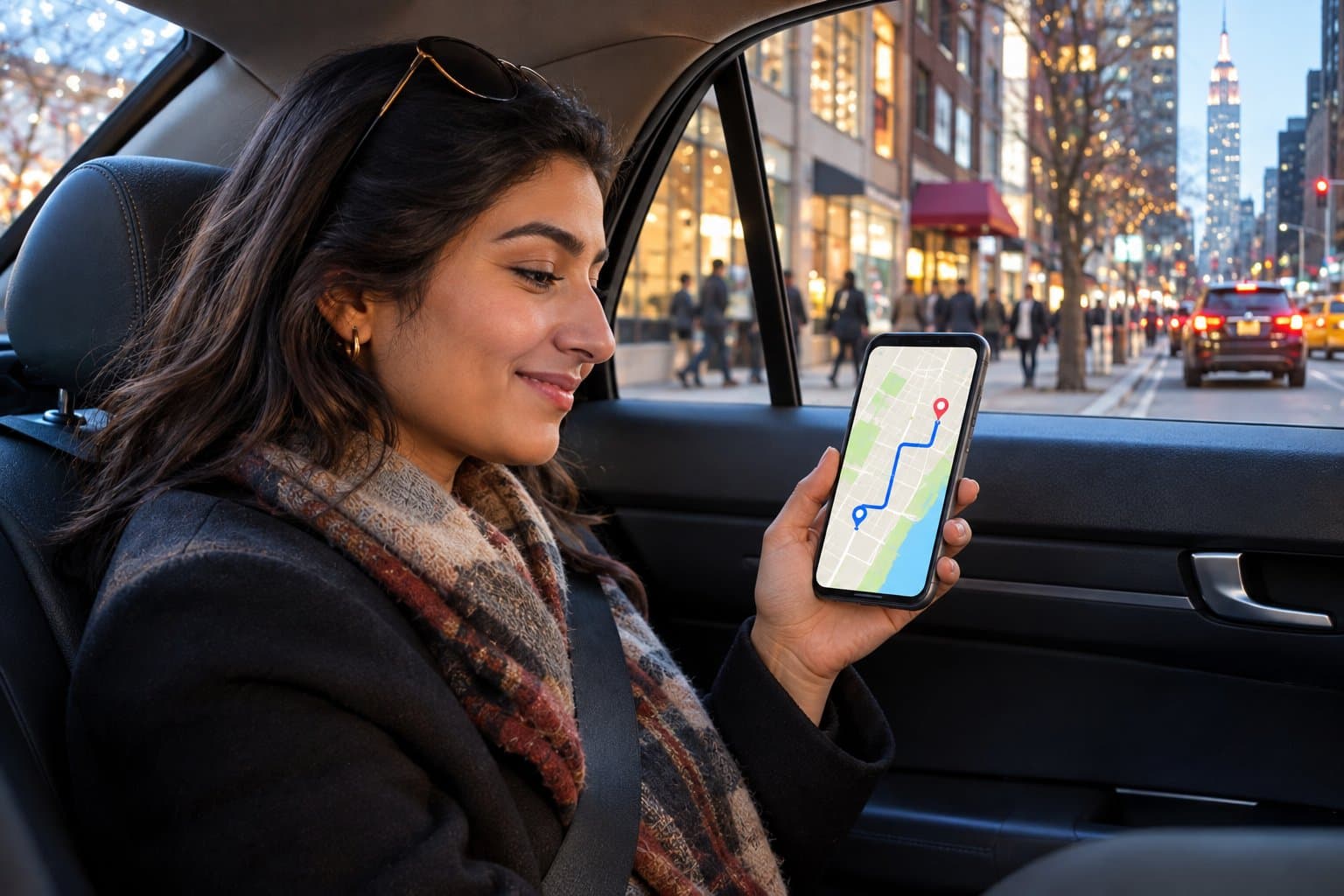
To book your first YurRide, download the app, create an account and add a payment card. Then enter where you’re going, pick Regular, Standard or Standard Plus, check your upfront fare and confirm. You can track your driver in real time, pay by card in the app, and your fare never surges.
Trying a new rideshare app in NYC can feel like a lot: new account, new buttons, new rules. YurRide keeps it simple. This guide walks you through your first ride from start to finish, so you know exactly what to expect before you step into the car.
How do you sign up for YurRide?
YurRide is free to download on iPhone and Android. Here’s how to get set up:
- Download the YurRide app from our passenger app page.
- Create your account.
- Add a payment card.
That’s it. Setting up before you actually need a ride means you can book in seconds when it counts, like when you’re leaving work late or just landed at the airport.
How do you book a ride with YurRide?
- Open the app and enter where you’re going.
- Choose your ride option.
- Check your upfront fare.
- Confirm your ride.
YurRide works in all five boroughs, Manhattan, Brooklyn, Queens, the Bronx and Staten Island, plus rides to and from JFK and LaGuardia and rides to Newark. You can book 24 hours a day, seven days a week.
Which ride option should you pick?
- YurRide Regular: for one to three riders. Your everyday ride.
- YurRide Standard: for four to six riders. Good for groups and families.
- YurRide Standard Plus: an SUV or luxury sedan, with more room and comfort.
Not sure which one fits? Our guide to ride options in Queens breaks it down with real examples.
How much does a YurRide cost?
Prices vary by trip, but you always see a fair, upfront rate before you confirm. YurRide never uses surge pricing, so your fare doesn’t go up at rush hour, in the rain or late at night. Tolls and airport or event fees are added where they apply.
That’s the big difference from rideshare apps with dynamic pricing. Learn more on our no-surge rideshare page.
How do you pay and tip on YurRide?
You pay by card in the app. Payments are handled by third-party payment processors, and YurDrivers Network doesn’t collect or store your full card number. If you’d like to tip your driver, the full tip goes to them. YurDrivers Network doesn’t keep any part of it.
How do you track your ride and stay safe?
Once you confirm, you can follow your driver to the pickup point and along the way with real-time tracking. Every YurRide driver is licensed by the NYC Taxi & Limousine Commission, passes a background check and drives an inspected vehicle. YurDrivers Network is a TLC-licensed base, and you can check it on the city’s official list of TLC-licensed bases.
Do you earn anything for riding?
Yes. Every ride you complete earns reward points. You start at the Silver tier and move up to Gold and Platinum, with discounts of up to 10%, 12% and 15% per ride. See how it works on our features page.
You can also share your referral code. When someone signs up with it, you earn a 5% commission on every ride they complete. New to YurRide? Read more about the new rideshare app in NYC.
Frequently asked questions about booking your first YurRide
Is the YurRide app free?
Yes. YurRide is free to download on the App Store and Google Play. You only pay for the rides you take.
Do I need a payment card to book?
Yes. You add a card when you set up your account, and you pay for rides in the app.
Can I see the price before I book?
Yes. YurRide shows an upfront fare before you confirm, and it never surges.
What if I need help during a ride?
Support is available 24/7 at [email protected], or through the contact page.
YurRide app
Ride across NYC without surge pricing
Upfront fares, TLC-licensed drivers and rides 24/7 across all five boroughs.